Getting started
Quick Start
Learn how to quickly install and integrate the Material 3 Expressive web components into your Angular, React, Vue, or Vanilla JS project.
Material 3Web ComponentFramework agnostic
CDN — no build step
Import directly in your HTML via jsDelivr. Works in any modern browser with no tooling required.
<!-- Import directly as a module via jsDelivr CDN -->
<script type="module" src="https://cdn.jsdelivr.net/npm/@banegasn/m3-button/+esm"></script>

<!-- Or import multiple components dynamically -->
<script type="module">
  import "https://cdn.jsdelivr.net/npm/@banegasn/m3-button/+esm";
  import "https://cdn.jsdelivr.net/npm/@banegasn/m3-card/+esm";
</script>

<!-- Use the components -->
<m3-button variant="filled">Click me</m3-button>
Install via package manager
Install individual packages from npm for use in framework projects.
npm
npm install @banegasn/m3-buttonpnpm
pnpm add @banegasn/m3-buttonAngular
Add CUSTOM_ELEMENTS_SCHEMA to your component or module to prevent template errors for unknown tags.
import { Component, CUSTOM_ELEMENTS_SCHEMA } from '@angular/core';
import '@banegasn/m3-button';

@Component({
  selector: 'app-root',
  template: `<m3-button variant="filled">Angular Button</m3-button>`,
  schemas: [CUSTOM_ELEMENTS_SCHEMA]
})
export class AppComponent {}
React
React 19+ natively supports Custom Elements. Use the standard onClick handler for button activation.
import React from 'react';
import '@banegasn/m3-button';

function App() {
  const handleClick = (event) => {
    console.log('Button clicked', event);
  };

  return (
    <m3-button variant="filled" onClick={handleClick}>
      React Button
    </m3-button>
  );
}

export default App;
Vue
Vue has native support for Custom Elements. Use the standard @click directive for button activation.
<script setup>
import '@banegasn/m3-button';

const handleClick = (event) => {
  console.log('Button clicked', event);
};
</script>

<template>
  <m3-button variant="filled" @click="handleClick">
    Vue Button
  </m3-button>
</template>
Live demo
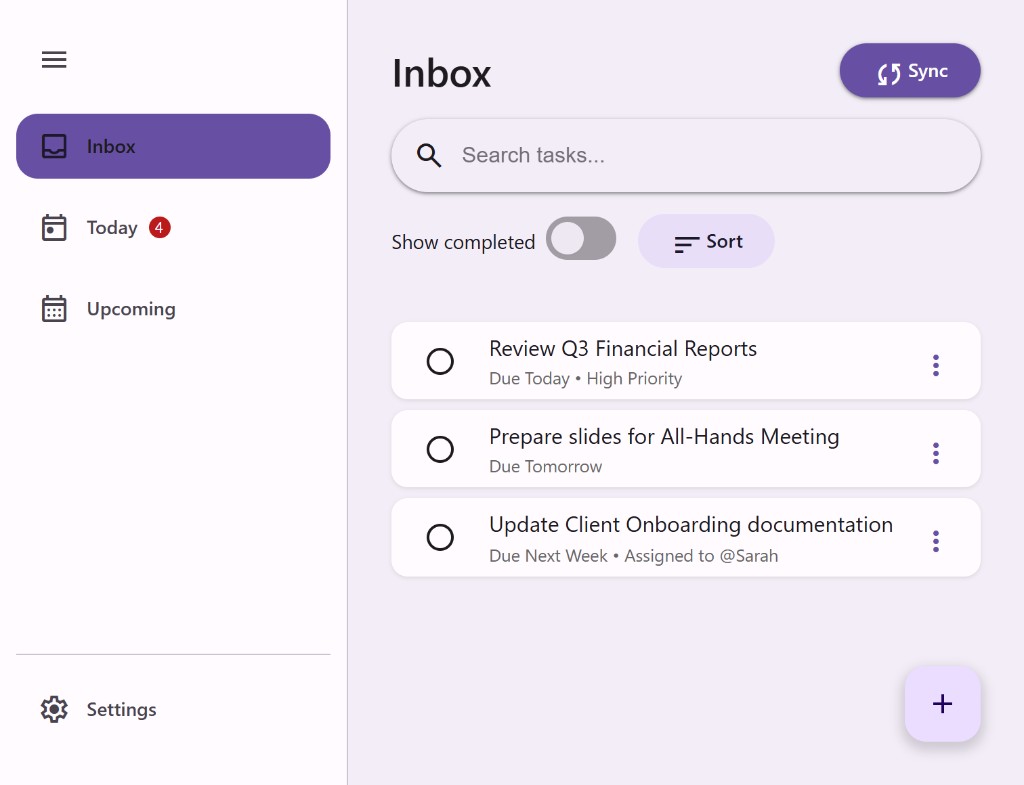
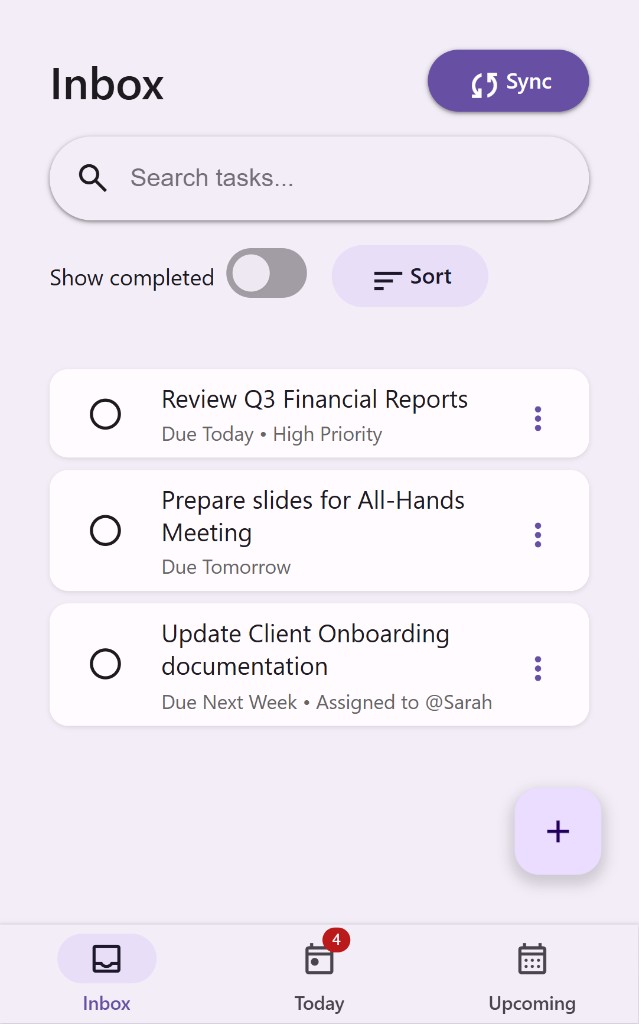
See all components working together in an interactive task management dashboard — no build step, pure CDN.